


The Ultimate Parents’ Guide to Skechers Kids’ Light-Up Shoes
A complete parent-friendly guide to diagnosing, charging, cleaning, and caring for Skechers® kids’ light-up shoes. Covers motion-activated, switch-enabled, and rechargeable styles with clear troubleshooting steps, safety-first cleaning guidance, and realistic battery lifespan expectations.
Feb 16, 2026
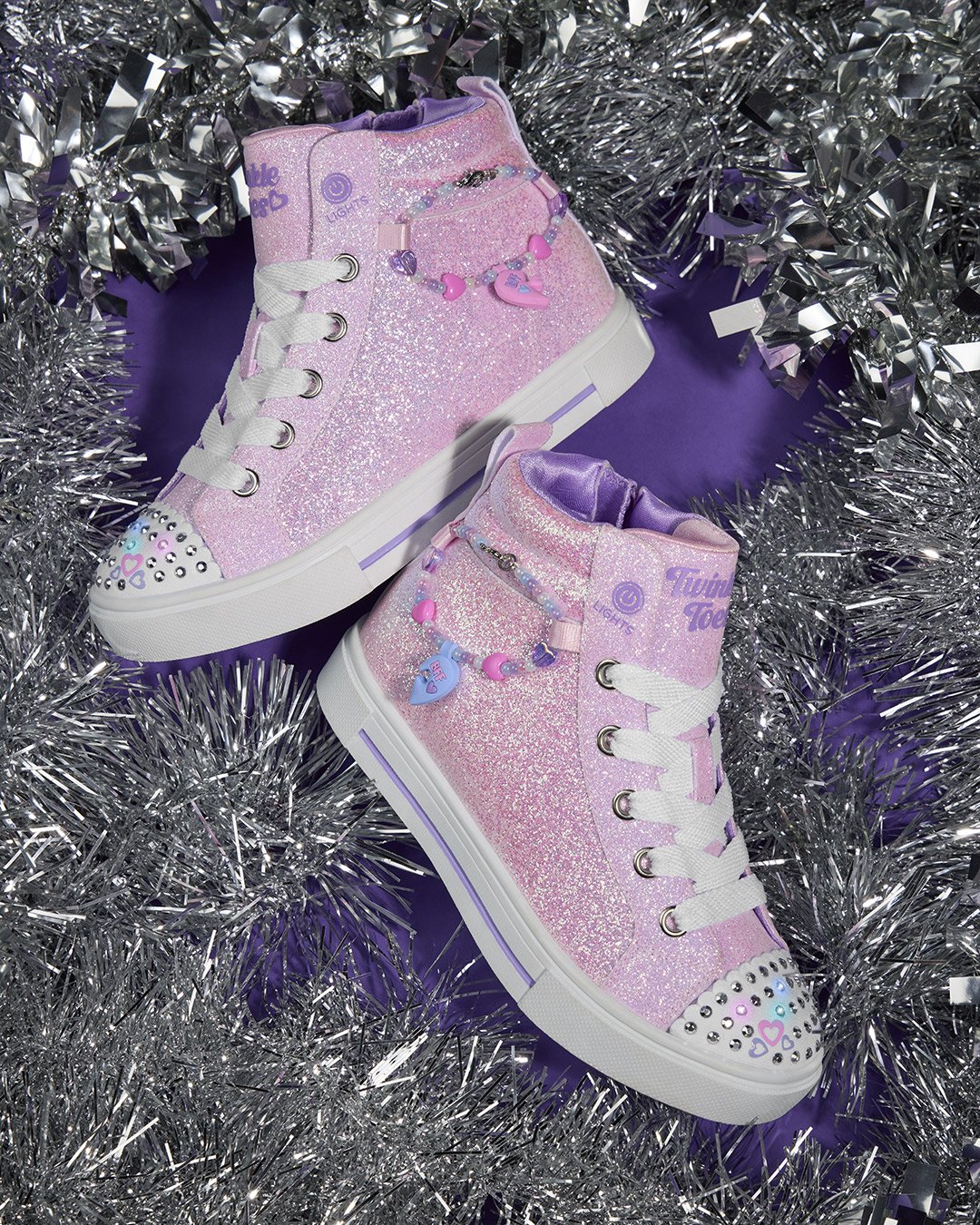
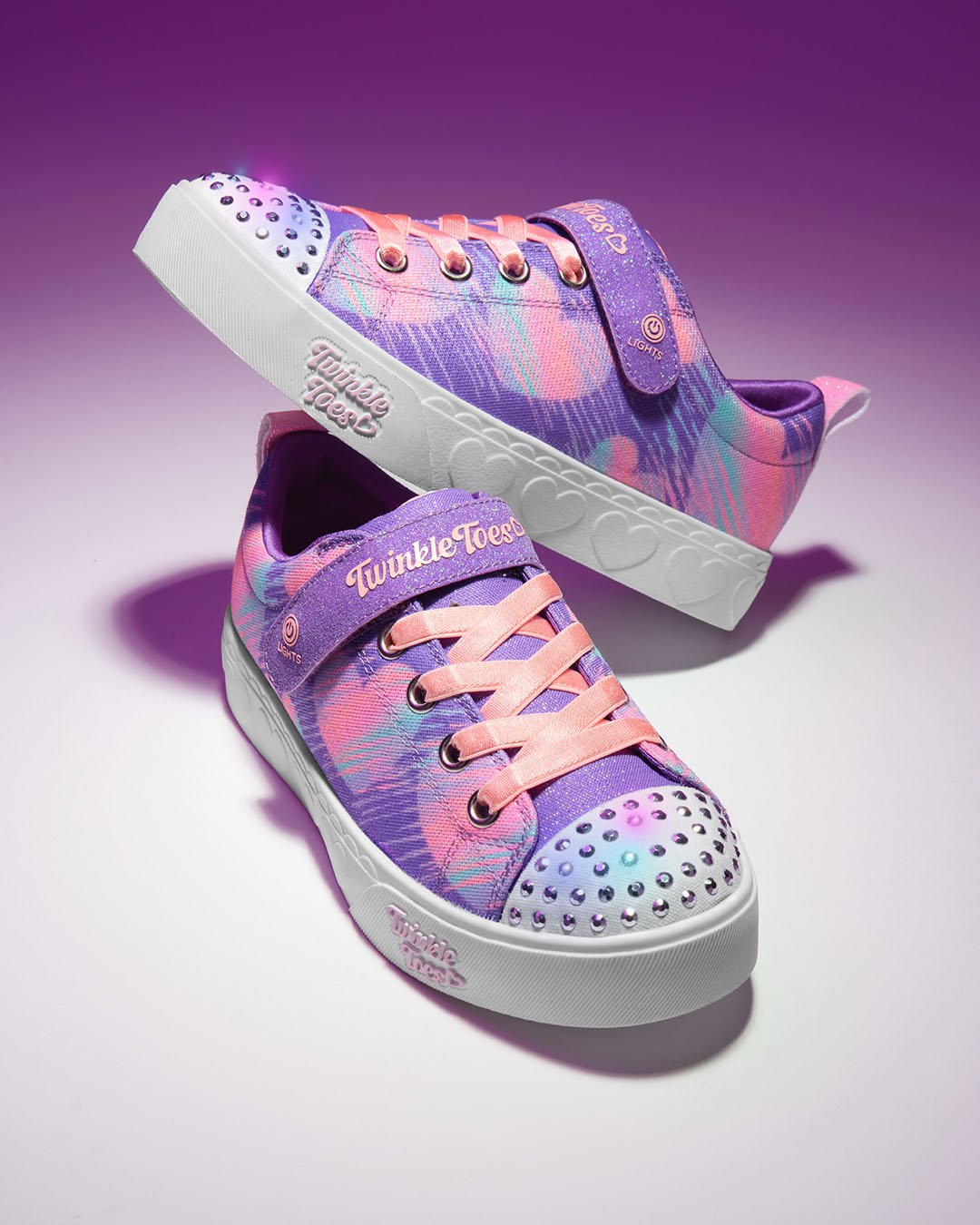
Skechers® kids’ light-up shoes—from S-Lights® to Twinkle Toes®—are designed to bring fun and excitement to every step. Because these styles include integrated lights, sensors, and batteries, they require a little extra care to keep everything working as intended.
Whether you’re trying to locate the “hidden” charging port, understand why only one shoe lights up, or clean them safely, this guide walks you through everything parents need to know—clearly and confidently.
Whether you’re trying to locate the “hidden” charging port, understand why only one shoe lights up, or clean them safely, this guide walks you through everything parents need to know—clearly and confidently.
Quick Troubleshooting: Why Won’t They Light Up?
Before assuming the shoes are broken, use the table below to identify the most common and easily fixable issues.
Troubleshooting Light-Up Shoes
Quick fixes for common lighting issues to keep your Skechers glowing.
| The Problem | Likely Cause | What to Do |
|---|---|---|
| One shoe isn’t lighting up | On/Off switch was toggled | Locate the switch (often on the strap or side) and press once. Test with a firm stomp. |
| Lights are dim or fading | Low battery (rechargeable styles) | Charge the shoes for at least 2–3 hours. |
| Lights flicker randomly | Debris near charging port | Gently clear lint or dirt from the port. |
| Shoes light up inconsistently | Motion sensor sensitivity | Normal behavior—sensors activate with firm heel impact. |
| Lights stopped after washing | Moisture exposure | Machine washing can impact electronic performance. Spot clean only going forward. |
Likely Cause
One shoe isn’t lighting up:
On/Off switch was toggled
Lights are dim or fading:
Low battery (rechargeable styles)
Lights flicker randomly:
Debris near charging port
Shoes light up inconsistently:
Motion sensor sensitivity
Lights stopped after washing:
Moisture exposure
What to Do
One shoe isn’t lighting up:
Locate the switch (often on the strap or side) and press once. Test with a firm stomp.
Lights are dim or fading:
Charge the shoes for at least 2–3 hours.
Lights flicker randomly:
Gently clear lint or dirt from the port.
Shoes light up inconsistently:
Normal behavior—sensors activate with firm heel impact.
Lights stopped after washing:
Machine washing can impact electronic performance. Spot clean only going forward.
Identifying Your Light-Up Style
Proper care starts with knowing which lighting system your child’s shoes use:
- Motion-Activated (Standard): Lights activate when walking or stomping. Battery is sealed.
- On/Off Switch Enabled: Includes a button to disable lights for school or quiet settings.
- Rechargeable (USB): Features a concealed charging port and may include color-changing modes (e.g., Energy Lights, Ice Lights).
How to Use the On/Off Switch
One of the most common reasons parents think shoes are malfunctioning is simply an accidentally toggled switch.
- Where to find it: Look for a small power icon, usually on the Velcro® strap or outer side panel near the ankle.
- How it works:
- Press once → lights turn OFF
- Press again → lights turn ON
- Parent tip: Toddler sizes (typically 4–10) often do not include a switch and are designed to be always-on motion activated for simplicity.
Charging Guide: Finding the “Hidden” Port
Rechargeable Skechers light-up shoes are intentionally designed with concealed charging ports to prevent irritation and protect internal components.
Step-by-Step Charging
- Locate the pocket: Check behind the tongue or inside lining for a small Velcro® flap or slit.
- Reveal the port: Open the flap to access the USB charging port (connector type may vary by style).
- Plug in: Use the dual-headed cable included with the shoes to charge both shoes at once.
- Check indicator lights: Flashing red → charging / Solid green or lights off → fully charged
- Charging time: A full charge typically takes 2–3 hours. Avoid leaving shoes plugged in overnight when possible.
Cleaning Your Light-Up Shoes: Safety First
Important: Light-up shoes contain integrated electronics and should never be placed in a washing machine or dryer.
Why?
Submerging the shoes can interfere with wiring and battery performance, which may prevent the lights from functioning.
Safe Spot-Cleaning Method
- Mix mild soap with warm water
- Use a soft brush or cloth to clean fabric and soles
- Wipe away residue with a damp cloth
- Air dry naturally, away from direct heat
Battery Life: What Parents Should Expect
Sealed (Non-Rechargeable) Batteries
Standard S-Lights® and Twinkle Toes® styles use sealed batteries for safety and weather protection. Battery performance varies based on frequency of use and play conditions, but they are designed to support the typical lifespan of a child’s fit.
- Batteries are not replaceable
- Lights may gradually dim over time with regular wear
After the Lights Fade
Even once the lights stop activating, the shoes remain fully functional, supportive sneakers—perfect for everyday play or “rough-and-tumble” activities.
Frequently Asked Questions
Use a soft cloth instead of a brush around sequins or rhinestones to help prevent loosening.
They are water-resistant for light moisture (rain, damp grass), but deep puddles or submersion may affect performance.
No. For safety reasons, the battery is permanently sealed inside the sole and cannot be accessed or replaced.
Check the On/Off button first! It is usually on the strap. If the switch is "On" and they still won't light up, the battery may be finished or the shoe may have been damaged by water.

 You have successfully logged in.